

What Do CE and C Mean on a Calculator?
Those two little buttons marked CE and C sit at the top of almost every calculator, and most people have pressed one, gotten confused, and jabbed the other without ever knowing the difference. You punch in a long sum, fat-finger a single number halfway through, and suddenly you are not sure whether to clear the slip or wipe the whole thing. So you hit both, a few times, and start over anyway. It turns out those buttons are not duplicates at all. They do two separate jobs, and knowing which is which can save you from retyping a calculation you had almost finished.
The reason most of us never learned the difference is simple. Nobody explains it, and the labels are short enough to look interchangeable. They are not.
CE and C Do Two Different Jobs
Start with the plain version. CE stands for clear entry. It wipes only the last number you typed, and nothing else. C stands for clear, and it wipes the current calculation you are working on. That one-word gap is the whole point, because it decides how much of your work survives the press.
Here is where it matters. Say you want 45 times 3, so you tap in 45, then the multiply key, then you fumble and enter 30 instead of 3. Press CE and the 30 disappears, but the 45 and the multiply sign stay right where they were. Retype the 3, hit equals, and you are done. Press C instead and you lose everything, the 45 included, so you begin the sum from scratch.
That is the practical payoff. CE is the surgical fix, the one digit you want gone. C is the broader reset for the calculation in front of you. Most people reach for the wrong one because they never knew the narrow option existed.
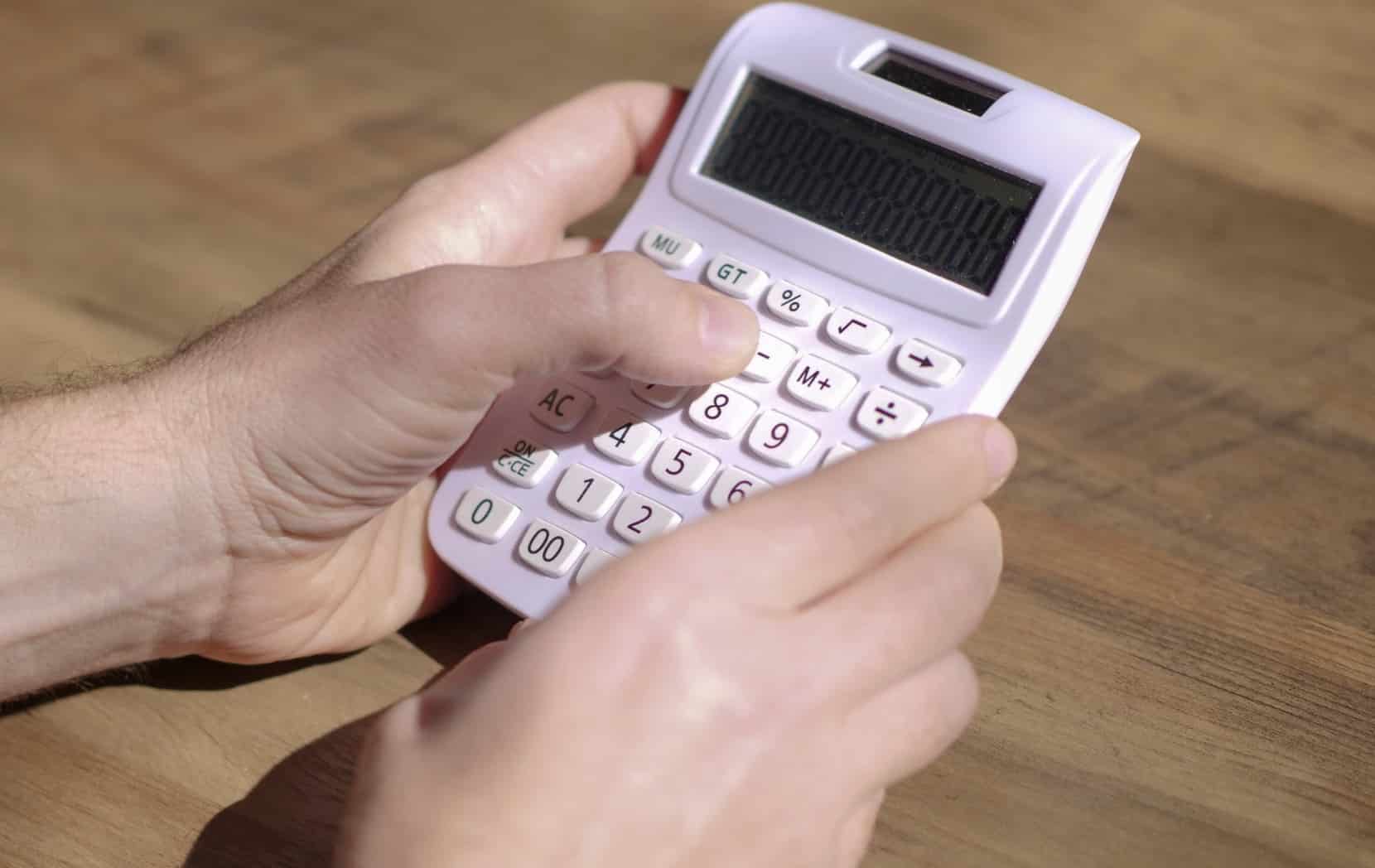
Where AC Fits In, and Why It Is Different
There is a third button in this family, and it is the one that causes the real confusion. AC stands for all clear, and it is the full reset. Press it and the display clears, any pending operation clears, and on many models the stored memory clears too. It takes the calculator back to the state it was in when you switched it on.
That memory point is the quiet difference between AC and C. A plain C usually leaves whatever you have tucked away in memory untouched, so a running total you have been building survives. AC often does not, which is why hitting it by accident can undo more than you meant to. Think of the three as a hierarchy, smallest wipe to total reset: CE removes your last entry, C removes the current sum, and AC removes everything. Once you see them in that order, the labels stop looking random.
Why the Labels Are Not the Same on Every Calculator
Now the honest caveat. This labeling is a manufacturer convention, not a legal standard, so it does not hold on every device you pick up. Some calculators carry only C and AC and skip CE entirely. Others pair CE with C and have no separate all-clear at all. Budget models sometimes merge the jobs onto a single button that clears your last entry on the first press and the whole calculation on a second. Phone apps often go their own way too.
So the safe rule is to treat the maker’s manual as the final word. The button meanings are vendor-defined, which means Casio and Texas Instruments each get to decide what their own keys do, and they do not always agree. If you want certainty for your exact model, that little booklet, or its online version, is the authority. The same instinct applies to other overlooked controls, like the B on an automatic gear shift, where the letter means nothing until someone tells you.

Memory Keys Live in the Same Neighborhood
While you are up there, the keys clustered nearby are worth a glance. M+ adds the number on the display to a stored total, and M- subtracts from it. MR, sometimes MRC, recalls whatever that total has reached, and MC clears the memory on its own without touching your current sum. They let you hold one figure aside while you work on another, then pull it back. It is the same idea as decoding the M on an RSVP card, a single letter standing in for something nobody spelled out.
So the next long calculation that goes sideways on one wrong digit does not have to start over. Reach for CE, keep the rest of your sum intact, and save C for a genuine fresh start. The button you pick decides how much of your work you walk away with.